
Snapping to objects in panel layouts
#1
Snapping to objects in panel layouts
Description
This tutorial will teach you about the 'Axis snap' (previously called 'Extension axis snap') feature.
Topics covered
Layout, snap, extension axis snap, axis snap.
Main content
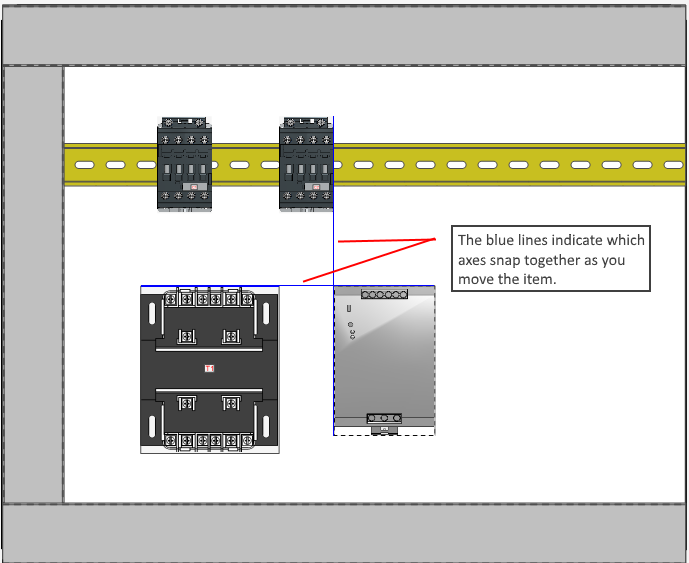
When working with layouts, SkyCAD will automatically enable 'Axis snap'.
This will allow snapping to horizontal and vertical axes of surrounding elements.
Each element has 6 axes: the four borders, and two at its insertion point (one horizontal and one vertical.)
SkyCAD will snap any of the 6 axes of an element to the axes of surrounding elements.
This allows to align elements together, and to precisely insert dimensions, for example.
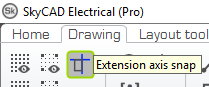
You can deactivate 'Axis snap' by reaching its button located in the 'Drawing' tab.
Related tutorials
- Laying out rails and wire ducts (2:31)
- Laying out components (4:46)
- User interface overview (6:32)
Log in to post comments