
#1
Bridging terminals together
Here's how you can bridge terminals together in SkyCAD Electrical:
NOTE: You must previously view the tutorial 'Managing terminal strips (Single level)')
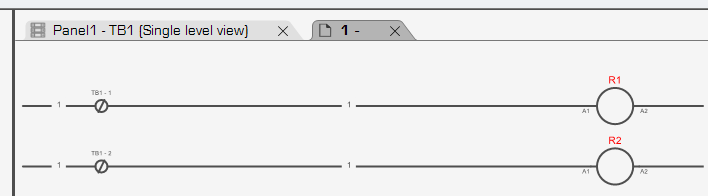
- Start by inserting terminal symbols in the schematics, making sure the terminals you wish to bridge together are assigned to the same terminal strip.

- Open the terminal strip view and select the terminals you wish to bridge together.

- Click 'Add bridge' form the 'Home' ribbon tab.

- The bridge shows in the bridge column.

- If you run wire renumbering, you will notice both terminals carry the same wire number.
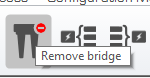
- You can remove a bridge by selecting one of the bridged terminal, and clicking 'Remove Bridge'.
NOTE: You can bridge multiple terminals together, and bridge terminals that are not necessarily side-by-side.
