
#1
Changing units of measurement
Description
This tutorial covers how to change displayed units of measurement (mm, cm, m, in) in SkyCAD.
Topics covered
Units, displayed units, units displayed, metric, metric system, imperial, imperial system, dimension, measurement.
Main content
In SkyCAD, whenever a measurement is shown, whether it's in a property or on an inserted dimension, units of measurement are displayed.
Set to millimeters by default, units can also be set to centimeters, meters or inches.
To set the unit you wish to use:
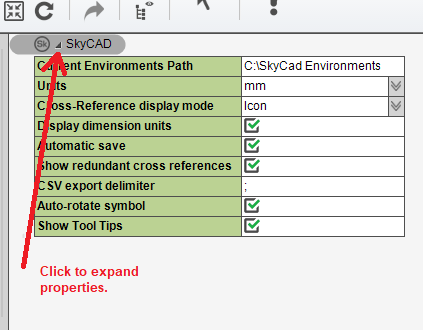
Expand SkyCAD's properties from the tree view:
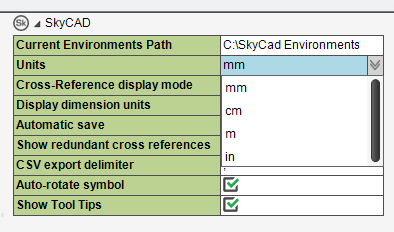
Select the units you wish to use from the 'Units' drop down list:
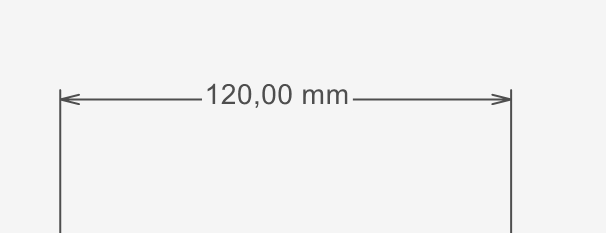
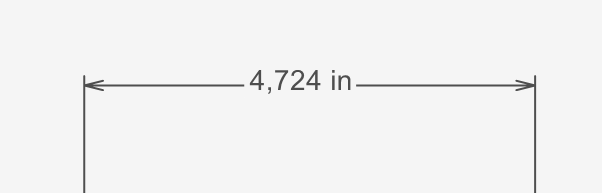
Once you have made your selection, all displayed measurements are converted to the corresponding unit:
Log in to post comments