
#1
Replace Connection Type
Description
This tutorial describes how to quickly and easily replace one type of connection symbol on your schematics with another, using the Replace Connection Type feature under the Connection Tools tab.
Topics Covered
Replace connection type, change connection type
Main Content
Should you wish to replace one type of connection symbol on your schematics with another, e.g. replace the Power Connections with Control Connections or vice versa, you can quickly and easily do so by following these steps:
- Select all the connections you would like to replace (the selection can include symbols and other drawing objects too - the Replace Connection Type feature will simply ignore them):
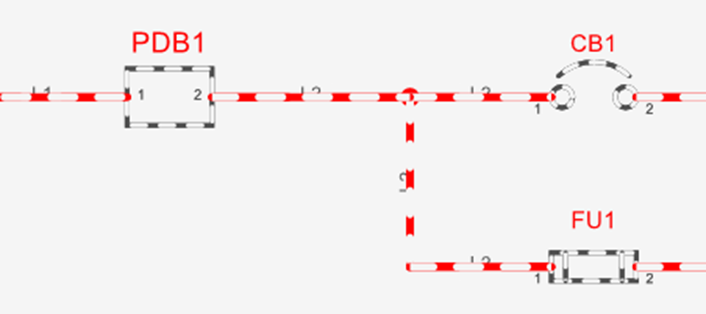
- Go to the Connection Tools tab and select Replace Connection Type. A message box will be displayed:
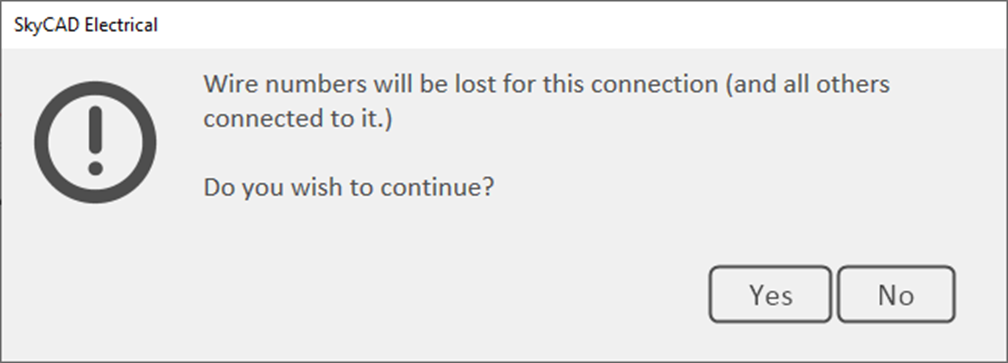
- Choose Yes to continue. No would cancel the operation.
- Choose the new connection symbol from your library that you want to use, then click OK. One final message box will be displayed:
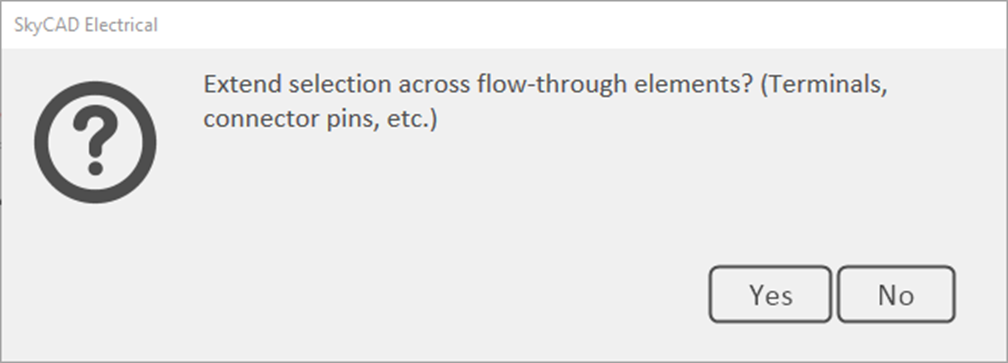
- Select Yes to have this change propagate throughout all flow-through elements (e.g. OPRs, terminals, connector pins) connected to the connections you had selected on the schematics.
Your connections have been replaced.
Log in to post comments