
Managing panels/cabinets/locations
#1
Managing panels/cabinets/locations
Description
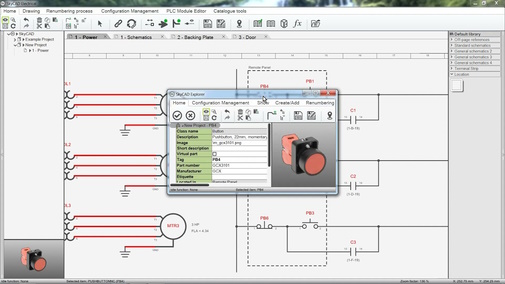
This tutorial explains how SkyCAD manages cabinets and enclosures.
Topics covered
Location, main panel, sub-location, door, backplate, assign components to locations, dotted lines, wires external to the cabinet, generate panel layouts, create a location, new location, visual indication of location, remote panel, located in property, parts-list, unlocated components, field, panel, enclosure, box, insert list block, show external wires in dotted lines.
Main content
NOTE: This tutorial video was created using an older version of SkyCAD.
Ribbon buttons' appearance and positions may differ if you're using version 1.3.25 or higher, e.g. Show External Wires In Dotted Lines moved to Schematic Tools tab.
Thank you for your patience while we update this tutorial.
Log in to post comments