
#1
Spacing items equally
Description
This tutorial will show you how to equally space selected elements in a panel layout.
Topics covered
Space elements, space equally, equidistant, space selected elements horizontally, space selected elements vertically.
Main content
NOTE: This tutorial was created using an older version of SkyCAD.
Ribbon buttons' appearance and positions may differ if you're using version 1.3.25 or higher.
With SkyCAD, it's very easy to equally space objects automatically.
Here's how:
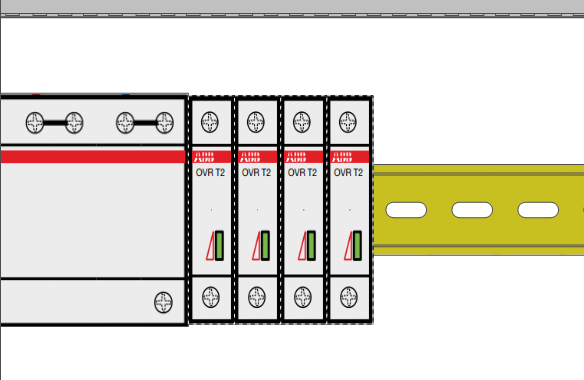
Select the objects you wish to space:
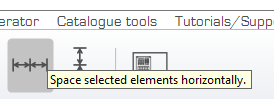
Click on the 'Layout tools' tab, and select either 'Space selected elements horizontally' (or 'vertically').
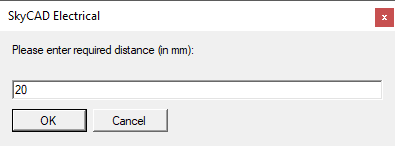
Enter the distance you wish to have between items and click OK.
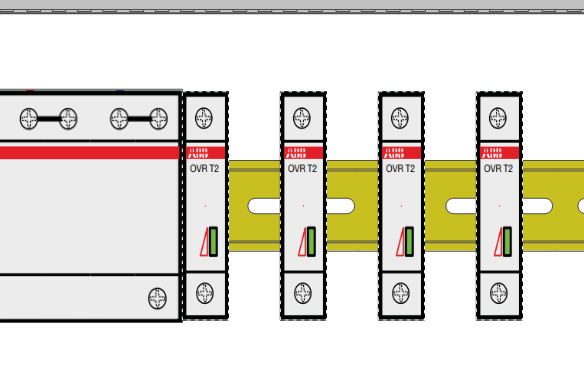
Objects will be spaced from left to right (or bottom to top if spaced vertically).
Log in to post comments