
#1
Creating a component's layout view
Description
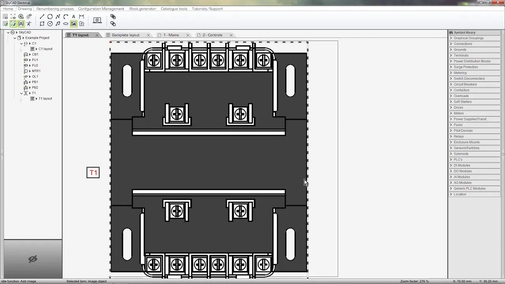
This tutorial demonstrates how to make new layout views for parts you add to the catalogue.
Topics covered
Panel layout, layout view, component layout view, width, height, clearance, drawing tools, images, inserting images.
Main content
NOTE: This tutorial video was created using an older version of SkyCAD.
Ribbon buttons' appearance and positions may differ if you're using version 1.3.25 or higher.
Thank you for your patience while we update this tutorial.
Related tutorials
- Importing DWG/DXF files (5:00)
- Drawing tools overview (9:31))
- Snapping to objects in panel layouts (1:00)
- Assigning part numbers (2:23)
- Creating/modifying catalogue parts (4:49)
- Creating a terminal’s layout view (1:00)
- Pin-out blocks/attributes (3:00)
Log in to post comments